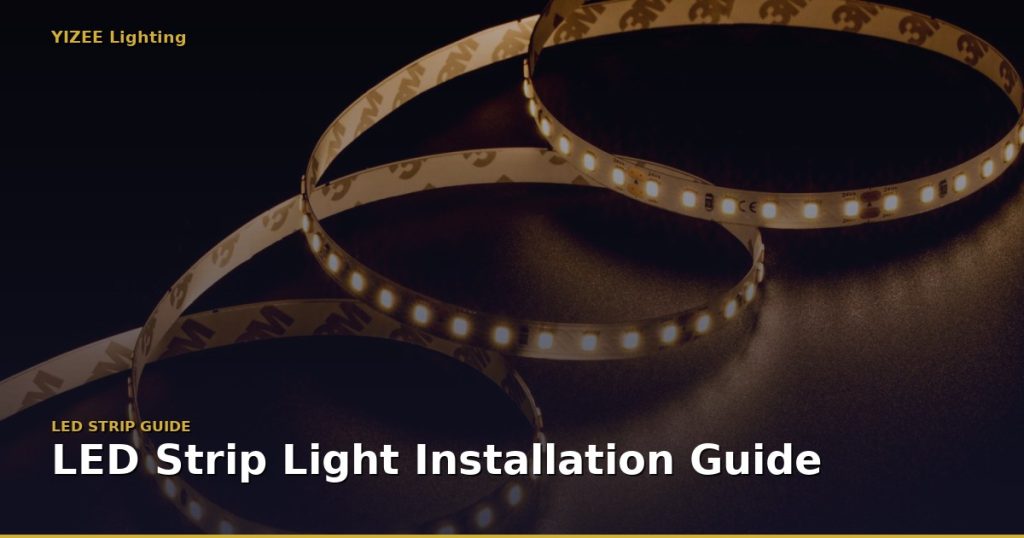
Installing LED strip lights is a straightforward DIY project — but a few key steps make the difference between a professional-looking result and a frustrating, dim, or flickering installation. Follow this step-by-step guide for a perfect result every time.
What You’ll Need
- LED strip lights (cut to length)
- Matching LED driver / power supply
- LED aluminium profile (channel) — optional but highly recommended
- Wire connectors or soldering equipment
- Scissors or LED strip cutter
- Isopropyl alcohol and cloth (for surface prep)
- Mounting clips or double-sided tape (usually pre-applied)
Step 1: Plan Your Layout and Measure Carefully
Before buying, measure the total length of LED strip you need and identify the cut points. Most LED strips can only be cut at designated cut marks — usually every 25mm, 50mm, or 100mm depending on LED density.
Important: Plan your power injection points for runs longer than 5 meters (12V/24V strips). For very long runs, inject power from both ends or at midpoints to avoid voltage drop and uneven brightness.
Step 2: Choose and Size Your Power Supply
Your LED driver must match the strip voltage (12V, 24V, or 48V) and provide sufficient wattage. Calculate: strip wattage per meter × total meters = total watts needed. Then add 20–25% safety margin.
Example: 10W/m strip × 5m = 50W. Choose a 60W or 75W power supply. YIZEE Lighting supplies soft-start LED drivers from 35W to 400W with built-in safety protection.
Step 3: Prepare the Surface
Clean the mounting surface thoroughly with isopropyl alcohol and let it dry completely. Remove any dust, grease, or paint flakes. The 3M adhesive backing on LED strips works best on clean, smooth, non-porous surfaces (aluminum, glass, painted metal).
Pro tip: For best adhesion and heat dissipation, always mount LED strips in aluminium LED profiles/channels. This extends strip life by 30–50% by keeping temperatures low.
Step 4: Cut the Strip to Length
Only cut at the designated cut marks (usually indicated by a scissor icon or copper pads). Use sharp scissors for a clean cut. Cutting elsewhere will damage the LEDs and void the warranty.
Step 5: Connect to Power
There are two connection methods:
- Solderless connectors — Push-in wire connectors or clip-on PCB connectors. Quick and easy, ideal for DIY installers. Compatible with standard 8mm, 10mm, or 12mm strip widths.
- Soldering — For permanent, low-resistance connections. Required for high-current (high-wattage) strips or wet/outdoor environments.
Always observe polarity: + (positive/red) to + and – (negative/black) to –. Reversed polarity will damage the strip immediately.
Step 6: Mount and Secure the Strip
Peel the backing and press firmly along the entire length. For aluminium channels, slide the strip in before removing the backing and then mount the whole profile. Add end caps and a diffuser cover for a polished, professional finish.
Step 7: Test Before Final Installation
Always test the full run before sealing channels or installing in hard-to-reach locations. Power on and check for:
- Consistent brightness along the entire run
- Correct color temperature or color output
- No flickering (indicates a wiring or driver issue)
- Dimming function working correctly (if applicable)
Common LED Strip Installation Mistakes to Avoid
- ❌ Undersizing the power supply — causes flickering, overheating, and short lifespan
- ❌ Running too long without power injection — causes voltage drop and dim ends
- ❌ Cutting in the wrong place — kills LEDs and wastes strip
- ❌ Mounting without aluminum profiles — strips run hot and degrade quickly
- ❌ Using wrong IP-rated strip outdoors — moisture damage and safety hazard
Need professional LED strip lights for your next installation? Browse YIZEE Lighting’s full range of SMD, COB, RGB, and CCT LED strips — all manufactured to the highest quality standards with factory-direct pricing. Contact us for bulk pricing and OEM/ODM inquiries.